Recipe-first by default
Start with the actual ingredients, yields, and serving data you care about instead of reverse-engineering a label calculator around the finished answer.
Built for small food businesses
RecipeChef gives small food businesses one workflow to build recipes, cost them properly, generate nutrition labels for the US and Canada, review uncertain matches, and export from the version they actually approved.
It is made for real product work: messy units, packaging constraints, market-specific labels, and the annoying gap between how recipes are written and how ingredients are actually purchased.
Why people actually use it
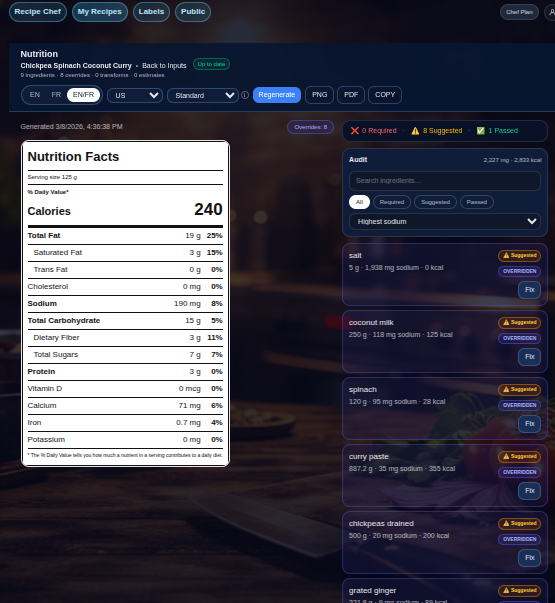
RecipeChef keeps recipe data, costing, label generation, review signals, layout choices, and exports in one place so you can stop rebuilding the same product three different ways across three different tools.
Start with the actual ingredients, yields, and serving data you care about instead of reverse-engineering a label calculator around the finished answer.
Cost recipes from the same workspace you use for product development, so pricing work stays connected to the ingredients, yields, and packs you actually buy.
Create country-specific labels from the same recipe workflow for products sold in the United States and Canada.
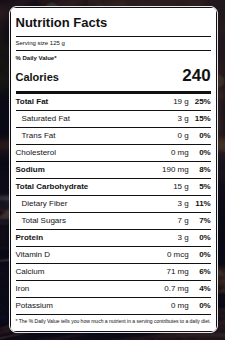
Choose Standard, Dual Column, Tabular, or Linear depending on your packaging constraints instead of being trapped in one layout.
See review states, matched descriptions, and override controls clearly instead of discovering uncertainty after you export.
Export PNG or PDF from a saved label snapshot so layout changes and later edits do not quietly shift the numbers underneath you.
Trust layer
RecipeChef surfaces review states, preserves manual overrides, and exports from saved snapshots so your workflow stays transparent instead of turning into a black box.
Clean baseline across the current RecipeChef nutrition benchmark suite.
When the result is usable but worth checking.
When the app thinks you should stop and look before export.
Human-readable ingredient picks instead of mystery source rows.
Download from the label version you approved, not a moving target.
Markets
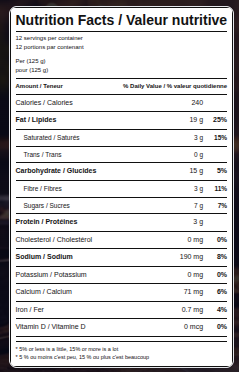
Use the same recipe workflow to create label-ready outputs for both markets, including bilingual Canadian nutrition labels.
Recipe costing
RecipeChef adds a costing layer to the same recipe workflow you already use for labels, so you can move from ingredients to margins without breaking out a second maze of sheets, tabs, and one-off formulas.
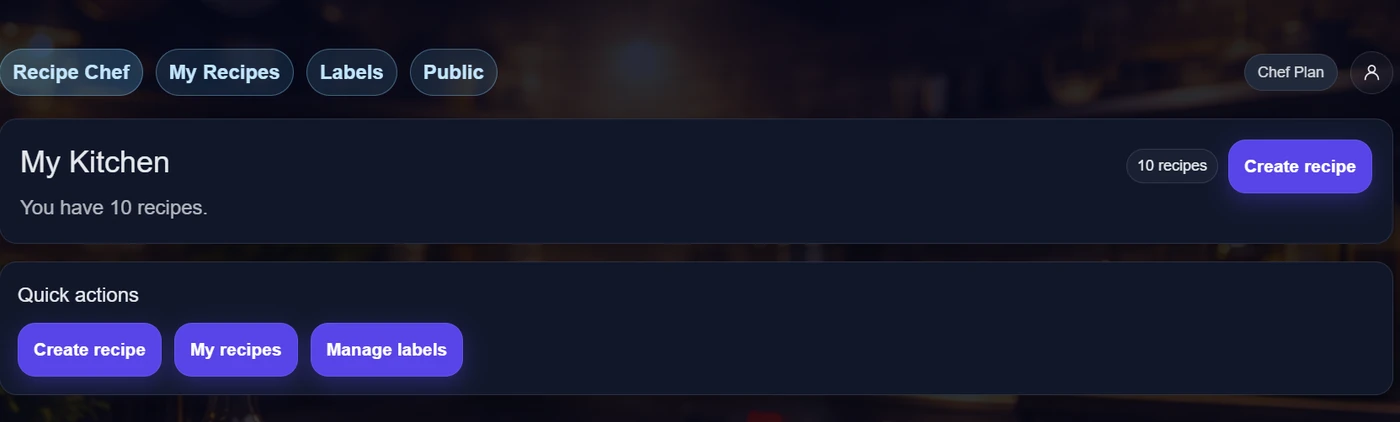
The workflow
RecipeChef is built for the awkward middle layer most tools ignore: where recipes are messy, purchasing is messy, labels have rules, and somebody still has to ship the product.
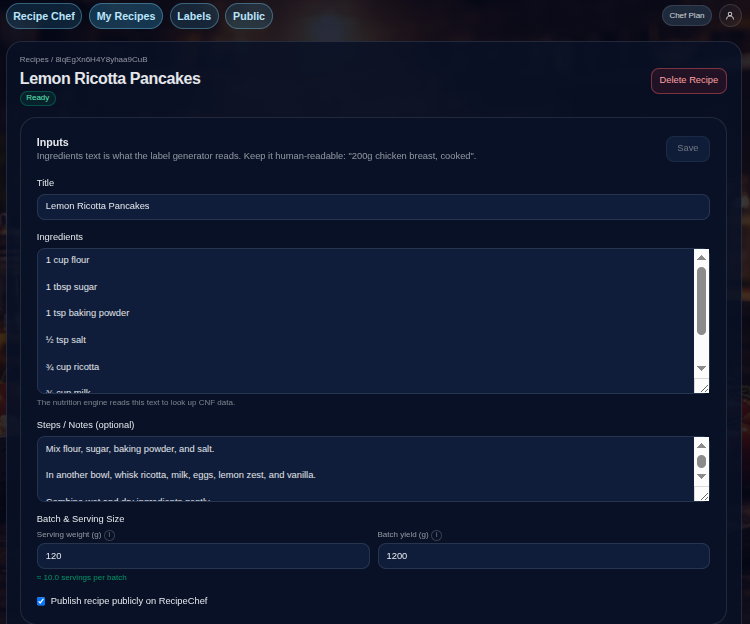
Keep your core product data in one place so costing and label generation do not become second and third data-entry jobs.
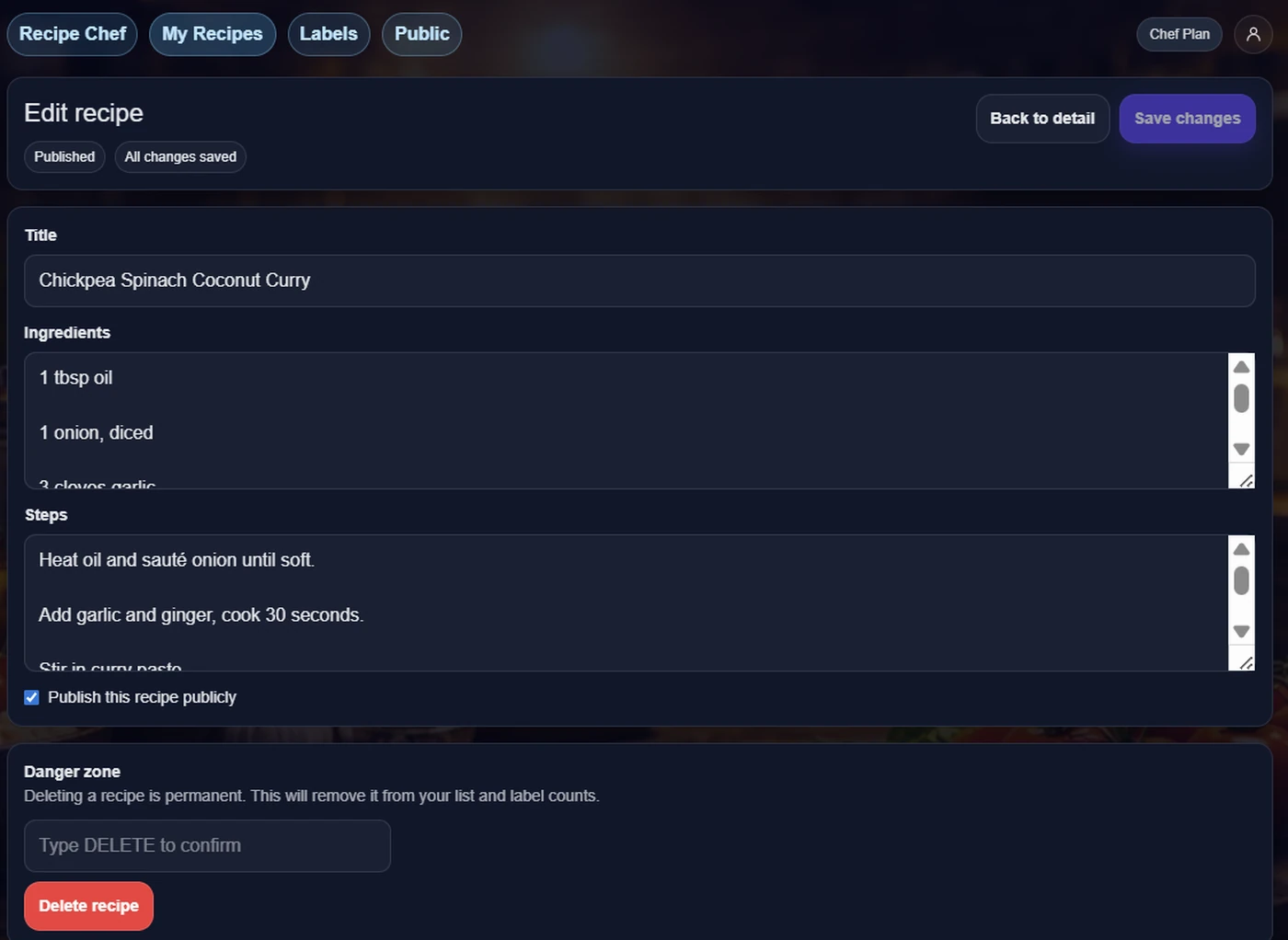
See plain-English matched descriptions, review signals, and manual override controls before anything sneaks into a customer-facing label.
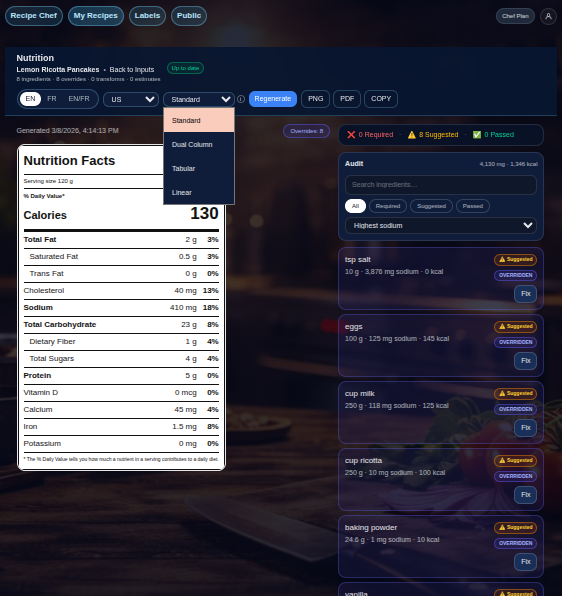
Packaging changes happen. Layout changes should not require rebuilding the recipe or redoing the whole label process from scratch.
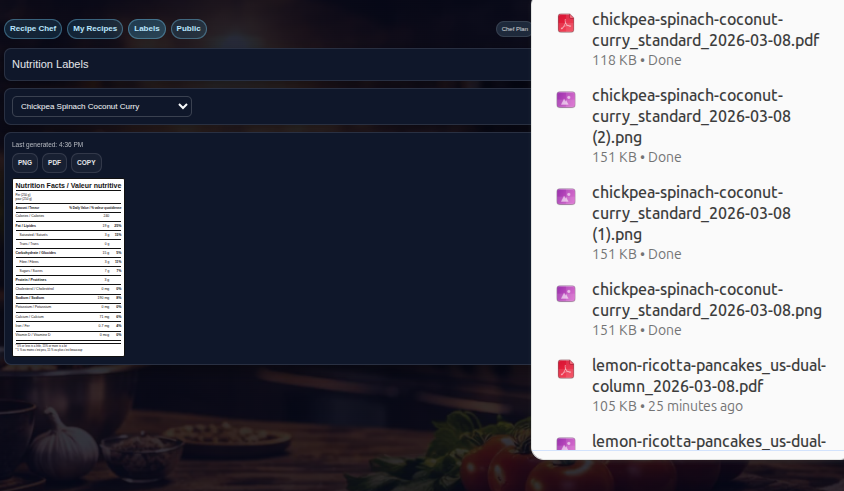
Download PNG or PDF immediately, or copy a label directly to your clipboard from the saved snapshot, so the file you share stays tied to the version you reviewed.
Free access
Create an account to save your recipes, costing inputs, label snapshots, review states, and exports. The app is supported by advertising so the core workflow can stay free.
For small food businesses building recipes, costing products, and creating labels for Canada and the United States.
Ads help keep the app free.
FAQ
RecipeChef helps you create recipes, cost them, and generate nutrition labels for products sold in the US and Canada, with review states, manual overrides, multiple layouts, and stable export options.
Yes. You can download PNG or PDF instantly, or copy the label directly to your clipboard. Export comes from the saved label snapshot so your file stays tied to the version you reviewed.
Yes. RecipeChef supports Canadian outputs, including bilingual label views, alongside US Nutrition Facts generation.
Yes. RecipeChef is free to use with an account. Ads help support the service so the core workflow can stay free.
The app surfaces review states when an ingredient match needs attention, shows matched descriptions in plain language, and lets you apply manual overrides for match, grams, or density when you need a more precise result.
RecipeChef can cost ingredients directly when recipe and purchase units already line up, or bridge between recipe units and purchase units when you provide ingredient-specific density, each-weight, or pack breakdown details.
Yes. Keep recipes in the app, update them when your product changes, and regenerate labels from the same workspace.
Popular starting points
These pages are built for the real questions food businesses search for: recipe costing calculators, Canadian bilingual nutrition labels, US Nutrition Facts labels, packaged-food label workflows, and all-in-one software for small brands.
See how RecipeChef handles kitchen units, purchase packs, waste, and pricing without a spreadsheet maze.
Catch calculator-style searches with a workflow that still respects yield, packs, and purchase reality.
Explore costing for packaged food products, margins, and product workflow.
Understand the Canadian workflow, including bilingual outputs and label layout options.
Focus on bilingual Canadian nutrition labels from one recipe-first workflow.
See the broader Canadian packaged-food label workflow for small businesses.
Generate US Nutrition Facts labels from the same recipe workflow you use for costing and review.
Answer label-maker searches with a recipe-connected US label workflow.
Walk through a practical packaged-food labeling process from recipe to export.
One workflow for recipes, costs, review states, and export-ready labels.
Ready to move faster?
RecipeChef helps small food businesses move from recipe development to honest costing and label-ready output with review visibility, manual fixes when needed, and dependable export workflows.